Column Formatting
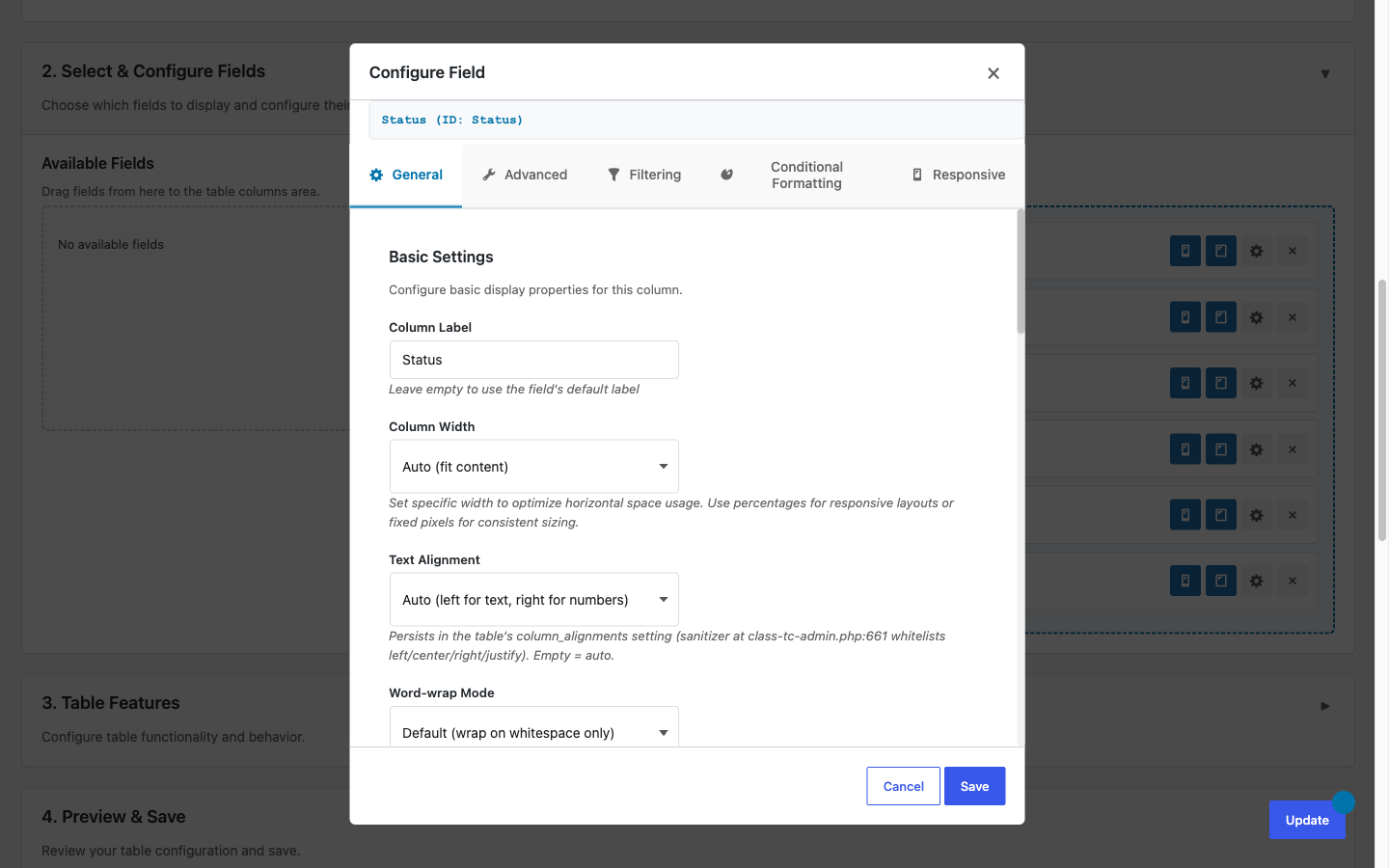
TableCrafter inspects every cell value and renders it as the right kind of element, clickable links, email links, thumbnail images, formatted dates, and Yes/No badges, automatically, with no per-column configuration. This page explains exactly what is detected, the markup produced, and the real CSS classes you can override to restyle each format.
How formatting works
There is a single shortcode, [tablecrafter], and it has no formatting attributes, you do not declare column types in markup. Instead, TableCrafter examines the raw value of each cell and picks a renderer based on its shape. This happens in two mirrored places so the table looks identical before and after JavaScript loads:
- Server-side (SSR): on first render the PHP method
render_value_php()builds the table HTML, which is cached and output inside the.tablecrafter-containerelement. This is what search engines and no-JS visitors see. - Client-side: when
tablecrafter.jshydrates or re-renders (after search, sort, filter, or auto-refresh),formatValue()reproduces the same formatting. If a column has no explicit type,detectDataType()runs the same heuristics as the server.
Columns are derived automatically from the keys in your data source, so detection is per value, not per column. A column that mixes URLs and plain text will format each cell on its own merits.
Formatting is convention-based, not configurable. The order of checks matters: a value is tested as boolean, then image, then email, then date, then URL, then array/object, and finally falls back to plain escaped text. The first match wins.
Detected formats at a glance
| Value pattern | Rendered as | Real CSS class |
|---|---|---|
| Boolean true/false | Yes / No badge | tc-badge, tc-badge-success, tc-badge-error |
Image URL or data:image | Thumbnail <img loading="lazy"> | tc-cell-image |
| Email address | mailto: link | tc-link |
| ISO date (YYYY-MM-DD) | <time>, human-readable | (none, styled via time) |
| http/https URL | Truncated external link | tc-link |
| Array / object | Tag chips | tc-tag, tc-tag-list |
| Anything else | Plain escaped text | (none) |
Links and emails
A value that begins with http:// or https:// and validates as a URL is rendered as a link that opens in a new tab. The visible text is truncated (47 characters server-side, 27 client-side) so long URLs do not blow out the column, while the full address stays in the href:
<!-- a https:// value becomes -->
<a href="https://example.com/very/long/path" target="_blank" rel="noopener noreferrer">https://example.com/very/long/pa...</a>
Email addresses are validated (and capped at 254 characters) and turned into mailto: links so visitors can click to compose a message:
<a href="mailto:hello@example.com" title="Send email to hello@example.com">hello@example.com</a>Only http and https schemes are linkified. Values starting with javascript:, vbscript:, data: (except safe base64 images), file:, or ftp: are rejected and printed as plain escaped text. This is an intentional XSS safeguard, not a bug.
Images
A value is treated as an image when it ends in .jpeg, .jpg, .gif, .png, .webp, or .bmp, or when it is a data:image/...;base64, URL. It is rendered as a lazy-loaded thumbnail:
<img src="https://cdn.example.com/avatar.png" alt="Image" class="tc-cell-image" loading="lazy">The bundled stylesheet caps the thumbnail at 50px tall and adds a hover effect that scales it 2.5x with a drop shadow, so small thumbnails act as a quick preview without a lightbox:
.tc-cell-image { max-height: 50px; border-radius: 4px; cursor: zoom-in; }
.tc-cell-image:hover { transform: scale(2.5); box-shadow: 0 4px 12px rgba(0,0,0,.2); }SVG is deliberately excluded from image detection because of its scripting risk. An .svg URL is treated as an ordinary link, not an inline image.
Dates
Strict ISO-8601 date strings are formatted for readability. Server-side, a value matching YYYY-MM-DD (optionally with a THH:MM:SS time and a trailing Z) is wrapped in a semantic <time> element and displayed as M j, Y:
<!-- "2026-06-21" becomes -->
<time datetime="2026-06-21">Jun 21, 2026</time>
On the client, date and datetime columns are rendered with the visitor's locale via toLocaleDateString() / toLocaleString(), so the same value can appear in a region-appropriate format after hydration. Only the strict ISO pattern is auto-detected, free-form strings like "June 21st" are left as plain text.
Booleans
Real booleans and the strings "true"/"false" become colored badges. The PHP renderer emits tc-yes / tc-no badge variants, while the JavaScript renderer emits tc-badge-success / tc-badge-error:
<!-- client-side output -->
<span class="tc-badge tc-badge-success">Yes</span>
<span class="tc-badge tc-badge-error">No</span>The Yes/No labels are translatable on the client via the plugin's i18n strings, so a localized site can show, for example, "Sí" / "No" without changing your data.
Arrays and objects (tags)
When a cell value is itself an array or object, common with JSON APIs that return nested lists like categories or labels, TableCrafter renders the items as a row of tag chips inside .tc-tag-list, capping the display at 10 items with a +N more chip for the rest:
<div class="tc-tag-list">
  <span class="tc-tag">news</span>
  <span class="tc-tag">featured</span>
  <span class="tc-tag tc-more">+3 more</span>
</div>
For objects, TableCrafter looks for a sensible display field (name, title, label, text, or value) before falling back to a safe JSON representation, so an object column does not dump raw braces into your table.
Numbers and other values
Numbers are not reformatted. There is no currency, thousands-separator, or decimal-precision formatting in the front-end renderer, a numeric value is escaped and printed exactly as it arrives from the source. The right-aligned td[data-type="number"] styling you may notice applies only inside the admin preview area, not the published table.
Anything that matches none of the patterns above, plain strings, free-form text, unrecognized numbers, is passed through esc_html() (server) or the JS escaper (client) and rendered as safe text. Every formatting path escapes its output, so untrusted data cannot inject markup.
If you need currency symbols or fixed decimals, format the values in your data source before TableCrafter consumes them. The plugin will display them verbatim.
Restyling formatted cells with CSS
Because formatting maps to a small set of stable classes, theming is done purely in CSS, there are no formatting hooks or filters to register. Add overrides to your theme (Appearance → Customize → Additional CSS, or your child theme's stylesheet) targeting the real classes:
/* Brand-colored links */
.tablecrafter-container .tc-link { color: #0b7; }

/* Bigger image thumbnails */
.tablecrafter-container .tc-cell-image { max-height: 80px; }

/* Pill-shaped boolean badges */
.tablecrafter-container .tc-badge { border-radius: 999px; padding: .3em .7em; }
Scoping selectors to .tablecrafter-container keeps your changes from leaking into the rest of the page. Note that tc-tag and the PHP tc-yes/tc-no variants ship without default styling, so they are a clean canvas for your own design.
Controlling which columns appear
While you cannot set a column's format, you can control which columns render and in what order using the real include and exclude attributes. This pairs well with formatting, for example, curate a view down to an image, a name, and an email so each gets its appropriate treatment:
[tablecrafter source="https://api.example.com/team.json" include="avatar,name,email" search="true"]Here avatar (an image URL) renders as a thumbnail, name as plain text, and email as a mailto: link, all automatically. Use exclude instead to drop noisy fields from a heavy API while keeping everything else.
Next, see data-sources.html to shape the JSON your columns are built from, and filtering-and-search.html for how these same auto-detected types power the filter controls.