TablePress vs TableCrafter
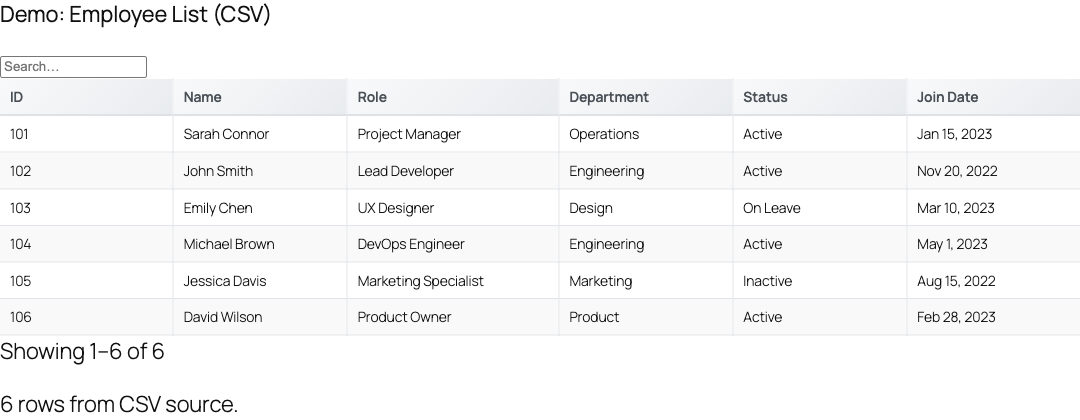
TablePress is the classic free WordPress table plugin, perfect for static, hand-entered tables. TableCrafter is for live data: tables driven by Gravity Forms, JSON, CSV, Google Sheets, Airtable and more, with optional front-end editing. Here is how to choose.
Different jobs
TablePress stores rows you type into its editor and renders them as a table. That is ideal for a pricing grid or a small reference table that rarely changes. TableCrafter connects to a data source, your Gravity Forms entries, a JSON/REST API, a CSV, a Google Sheet, an Airtable base, and keeps the table in sync, so the data lives where it is produced.
| TablePress | TableCrafter | |
|---|---|---|
| Best for | Static, hand-entered tables | Live data from a source |
| Data sources | Manual entry / CSV import | GF, JSON, CSV, Sheets, Airtable, Notion, WooCommerce, external DB |
| Stays in sync | No (re-import) | Yes (fetched + cached) |
| Front-end editing | No | Pro |
| Free tier | Yes | Yes |
Choose TablePress if
Your data is small, hand-entered, and static, a comparison grid, a specs table, an hours-of-operation table. TablePress is purpose-built for that and excellent at it.
Choose TableCrafter if
Your data lives somewhere else and changes: form submissions, a spreadsheet your team maintains, an API, an Airtable base. TableCrafter shows it live, lets visitors sort/search/filter, and (on Pro) lets the right users edit it in place. See the TablePress migration guide if you are moving an existing table.
Try TableCrafter free
TableCrafter is free on WordPress.org. Pro unlocks inline editing, role-based permissions, two-way sync, and advanced data sources.