A Free GravityView Alternative for Gravity Forms Entries
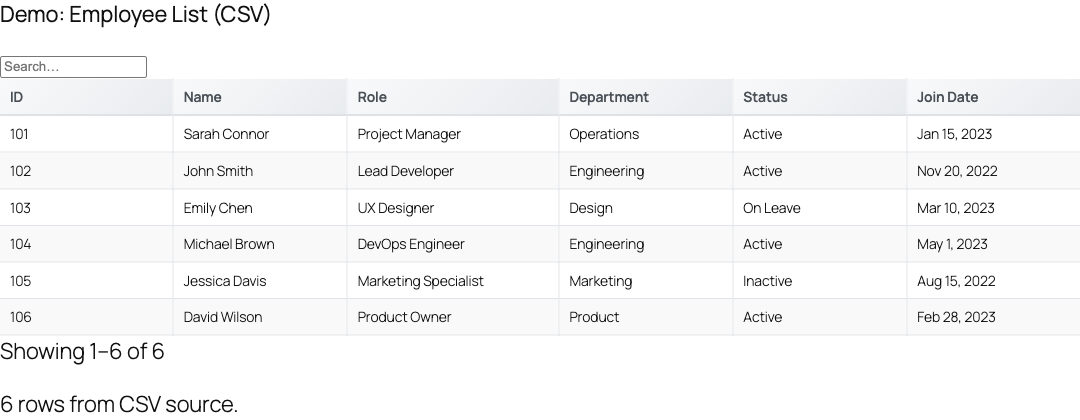
GravityView is the best-known way to show Gravity Forms entries on the front end, but it is paid-only and view-centric. TableCrafter is a free alternative that turns the same entries into a fast, sortable, filterable, editable table, with a Pro tier only when you need inline editing and permissions.
Why look for an alternative
GravityView is mature, but a few things send people looking: it has no free tier, its pricing scales with sites, and its model is built around "views" rather than a spreadsheet-style table. If what you actually want is to display Gravity Forms entries as a table, searchable, sortable, paginated, and optionally editable in place, TableCrafter does exactly that, and the table view is free.
Side-by-side
| TableCrafter | GravityView | |
|---|---|---|
| Free tier | Yes, full table display | No |
| Display GF entries | Yes | Yes |
| Front-end inline editing | Pro | Add-on / Edit Entry |
| Sort / search / paginate | Built in | Built in |
| Other data sources | JSON, CSV, Sheets, Airtable, Notion, WooCommerce, external DB | Gravity Forms only |
| Export to CSV | Built in | Add-on |
How to display Gravity Forms entries with TableCrafter
- Install TableCrafter free from WordPress.org and activate it alongside Gravity Forms.
- Go to TableCrafter → Add New Table and pick Gravity Forms entries as the source.
- Choose the form, then select the fields (columns) to show and set readable labels.
- Enable search, filters, and pagination as needed.
- Drop the shortcode on any page:
[tablecrafter id="1"].
When GravityView is still the better fit
GravityView shines if you need its rich single-entry layouts, maps, and DataTables-style presets out of the box. TableCrafter focuses on the table: one fast, editable, multi-source table component. If that is the job, the free tier likely covers you.
Try TableCrafter free
TableCrafter is free on WordPress.org. Pro unlocks inline editing, role-based permissions, two-way sync, and advanced data sources.